
Commercial Digital Lucky Draw Software
Professional lucky draw software for corporate events. Own a commercial lucky draw solution with a licence option that suits how you work.
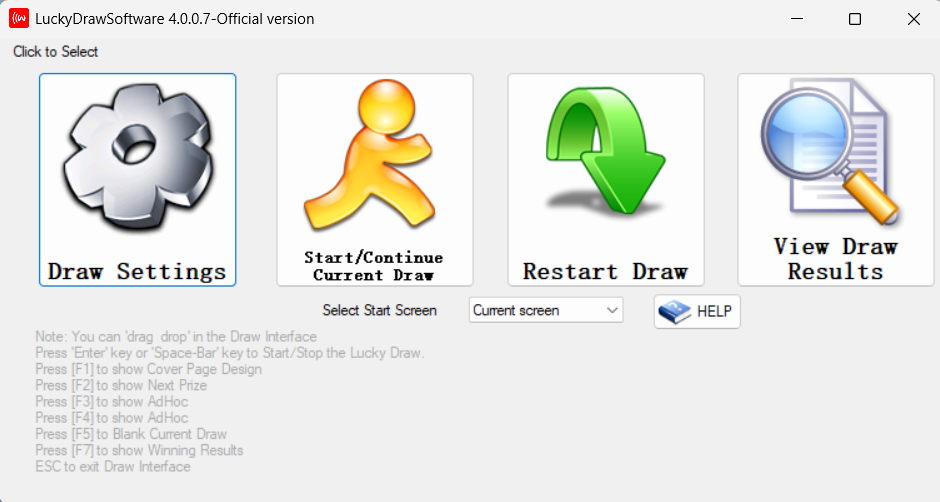
Overview
The Commercial Digital Lucky Draw Software is a professional lucky draw solution for corporate events, annual dinners, dealer incentives and campaigns. It is designed to be easy to use on event day, with a clear on-screen draw presentation and a results panel.
It is available under one commercial software product with two licence purchase options — a CPU-bound licence or a portable USB dongle licence.
- Professional on-screen draw presentation
- Results panel for tracking winners
- Designed for Windows 10 and Windows 11
- Two licence options to match your needs
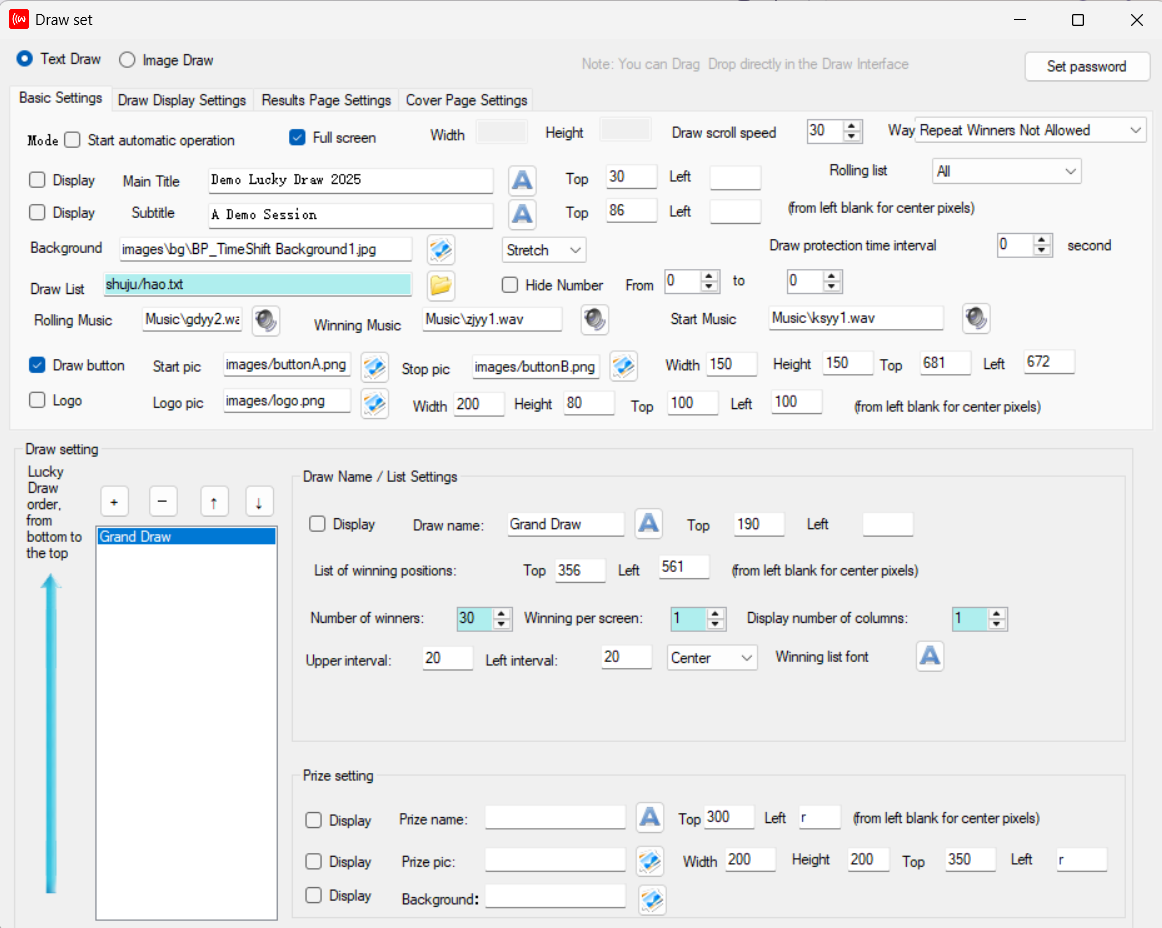
Configure every draw
Set up each draw from a single settings screen. Choose a text or image draw, load your draw list, and control the on-screen layout, background, music and prize settings.
- Text draw or image draw modes
- Draw list, rolling list and winner settings
- Custom background, cover page and music
- Prize names, images and display positions
The same software interface is used for both the CPU-bound and USB dongle licences.
Run the draw on the big screen
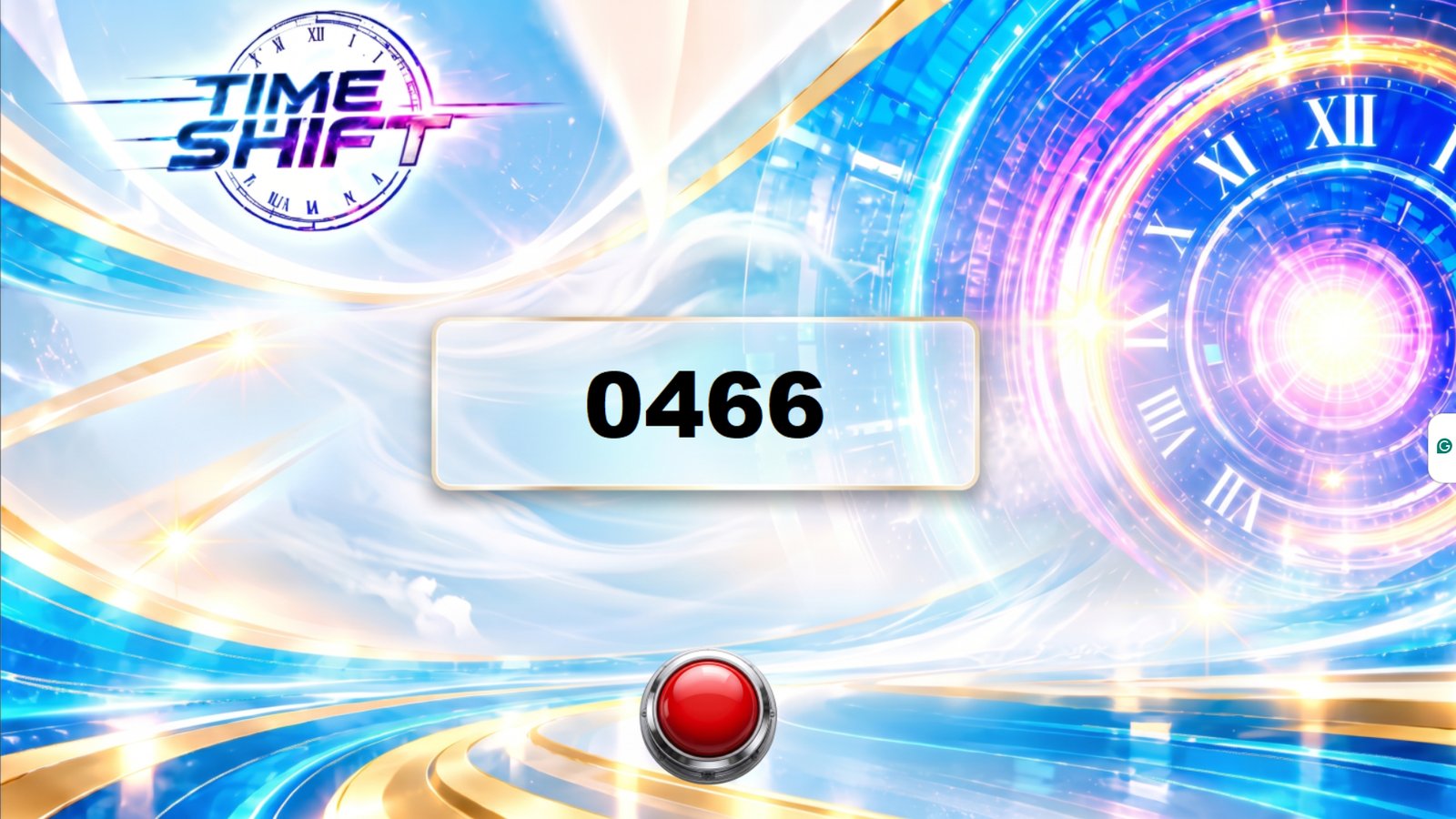
Display the draw in full-screen on the event screen with your chosen background theme, showcasing the winning number prominently and even incorporating an interactive virtual button on the display.

Download the demo
Download the demo, unzip it and try it for yourself. Test run the software to get a real feel for how it works before you buy.
- Free to download and try — no purchase required.
- Demo dataset limited to 30 names/numbers — enough to test the full draw experience.
- Test run the draw — see the presentation and results for yourself.
- Identical to the licensed versions — the CPU-bound and USB dongle licences run the same software as this demo.
Choose the licence that suits you
Both options are the same commercial software product. The difference is how the licence is tied and how portable it is.
| Feature | CPU-bound Licence | USB Dongle Licence |
|---|---|---|
| Price | RM1,280 (≈ US$300) | RM3,880 (≈ US$910) |
| How the licence is tied | Tied to one laptop CPU | Uses a USB dongle |
| Intended use | Use on the licensed laptop | Move between other Windows 10/11 laptops |
| Portability | Fixed to the licensed machine | Portable between machines |
| Best for | One dedicated event laptop | Teams and organisers who use different laptops |
CPU-bound Licence — RM1,280 (≈ US$300)
The licence is tied to one laptop CPU and is intended for use on the licensed laptop. A good fit if you run draws from a single dedicated event machine.
Contact Us to BuyUSB Dongle Licence — RM3,880 (≈ US$910)
Uses a USB dongle and can be moved between other Windows 10/11 laptops, giving you the portability advantage of running the software on different machines.
Contact Us to BuyLicence activation is performed manually after payment. Please contact us to complete your purchase and receive activation instructions.
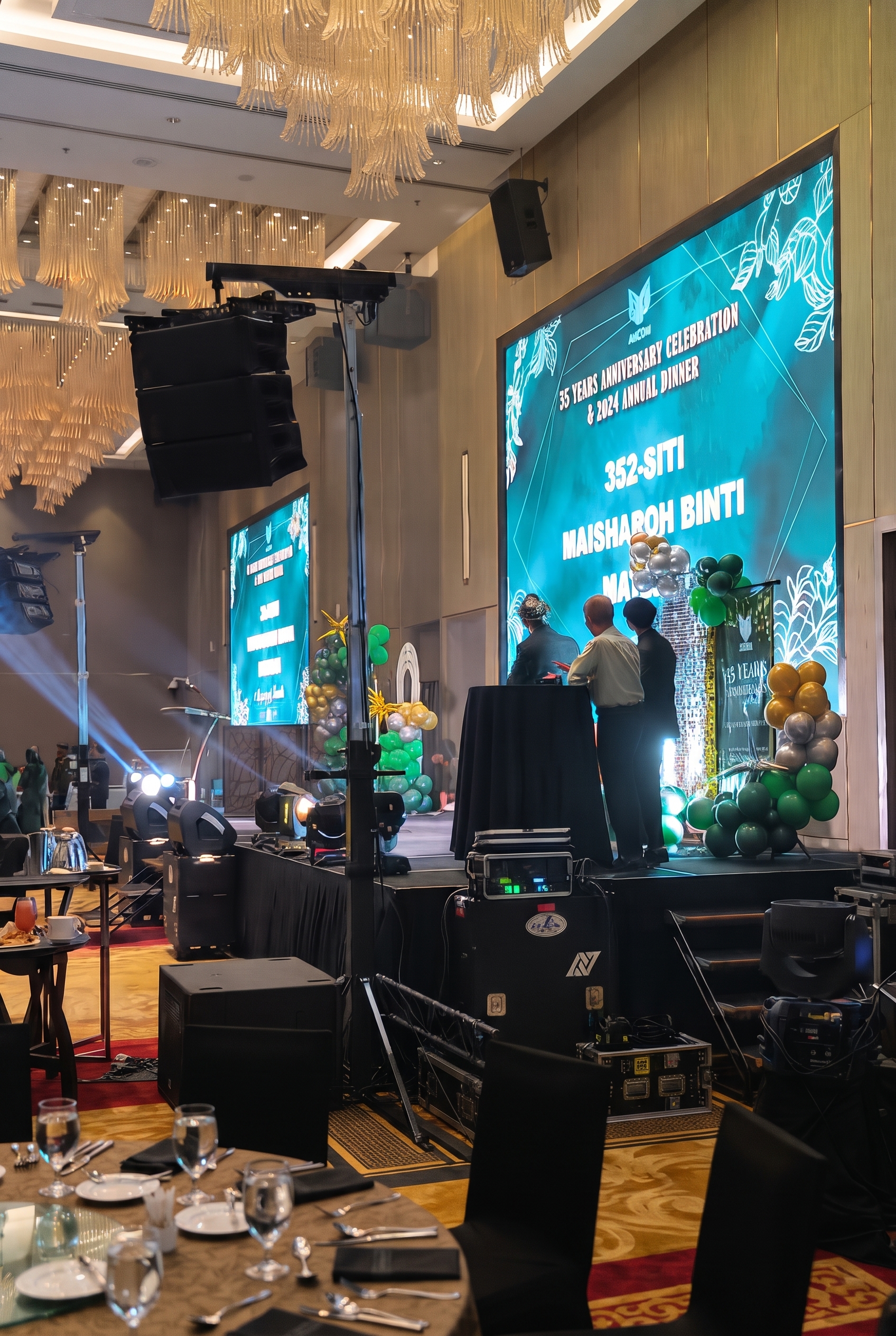
Who should use it
- Event organisers and agencies who run lucky draws for clients and want a reliable, reusable product.
- Corporate and government organisations that need a dependable, owned solution with clear licensing.
- Marketing and campaign teams running prize draws and dealer incentives.
System requirements & conditions
- Windows 10 or Windows 11
- Minimum: Intel Core i3 (or equivalent), 8GB RAM, 256GB storage
- Recommended for larger datasets: Intel Core i7, 16GB RAM, 512GB storage
- CPU-bound licence: tied to one laptop CPU
- USB dongle licence: requires the supplied USB dongle
Frequently asked questions
What is the difference between the two licences?
The CPU-bound licence (RM1,280) is tied to one laptop CPU and is intended for use on that licensed laptop. The USB dongle licence (RM3,880) uses a USB dongle and can be moved between other Windows 10/11 laptops.
Can I move the CPU-bound licence to another laptop?
The CPU-bound licence is tied to one laptop CPU. If you need to move between machines, the USB dongle licence is the appropriate option. Please contact us to discuss your situation.
Which Windows versions are supported?
The software is designed for Windows 10 and Windows 11. Please confirm your exact environment with us before purchase.
What hardware do I need to run the software?
The software runs on Windows 10 or Windows 11. As a minimum, we recommend an Intel Core i3 laptop with 8GB RAM and 256GB storage. For larger datasets, a higher-specification machine — such as an Intel Core i7 with 16GB RAM and 512GB storage — will deliver smoother performance. Actual performance depends on your dataset size and configuration, so please contact us to confirm the right specification for your event.
Can it handle very large datasets?
A separate Large-Dataset Upgrade is available from RM6,800. For larger datasets we recommend an Intel Core i7 with 16GB RAM and 512GB storage. Final specifications and supported capacity are subject to verification.
Can I try the software before buying?
Yes. You can download a free demo, unzip it and test run it. The demo is limited to a dataset of 30 names/numbers. The licensed CPU-bound and USB dongle versions are identical to the demo, with no dataset limit (up to 50,000 entries as standard).
How do I buy it?
Use the Contact Us to Buy button for your chosen licence, or contact us to complete your purchase. Licence activation is performed manually after payment.
Ready to own a commercial lucky draw solution?
Choose your licence or ask us a question — we will help you get set up.