
Active 2.4GHz Wireless Big Red Button for Lucky Draw
A physical wireless accessory for lucky draw operation — the button presenters and VIPs use to trigger the draw on stage.
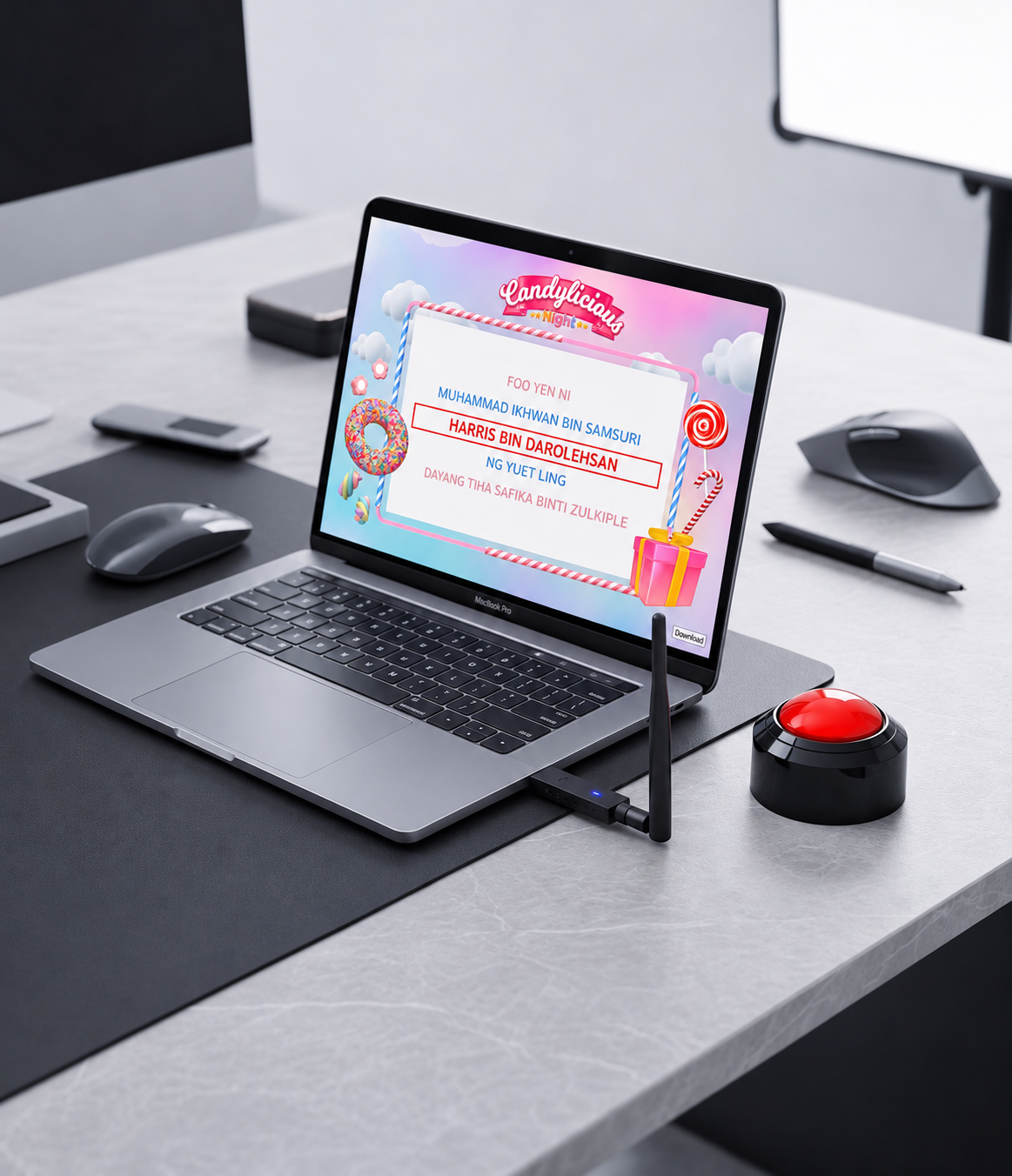
Overview
The Active 2.4GHz Wireless Big Red Button is a physical accessory for lucky draw operation. Instead of using a keyboard or mouse, presenters and VIPs press the button to trigger the draw — a more engaging moment on stage.
- Physical wireless button for lucky draw operation
- Designed for on-stage use by presenters and VIPs
- Pairs with our lucky draw software
Engineered for reliable, on-stage performance
Purpose-built wireless hardware that stays stable and responsive in the busiest event environments.
Reliable 2.4GHz Wireless
Operates on the globally available 2.4–2.5 GHz ISM band using GFSK modulation across 125 communication channels. Frequency hopping and harmonic suppression keep the signal stable and interference-free — even alongside stage radios, wireless microphones and Wi-Fi.
Plug-and-Play Setup
Simply plug the USB receiver into your computer's USB port. The device is recognised automatically — no drivers or configuration required.
Long Battery Life
Powered by 2 × AA alkaline batteries, delivering more than 12 hours of continuous draw or quiz activity. Low power consumption keeps you running through the longest events.
Smart Power Management
Auto sleep mode activates after 50 minutes of inactivity and wakes instantly on the next press. A power switch at the base lets you turn the button off when not in use.
Ergonomic Press Action
Designed to be pressed gently with the palm — not slapped — for a controlled, professional draw moment on stage.
Built for the Draw Moment
Turns a simple action into a memorable on-stage moment, giving presenters and VIPs a hands-on way to trigger the draw.

Proven on the big stage
The wireless Big Red Button has been used at major corporate events and product launches, giving presenters and VIPs a memorable, hands-on way to trigger the draw.
From annual dinners to large-scale campaigns, it turns a simple action into a moment the audience remembers — and keeps the focus on the stage, not the keyboard.
- Used at corporate events and product launches
- Ideal for VIP and presenter-led draws
- Keeps the draw moment centre stage
Who should use it
- Event organisers running stage lucky draws
- Corporate and government events with VIP draws
- Anyone wanting a more engaging draw moment
Specifications
- Model: SW-2.4G
- Frequency: 2.4–2.5 GHz ISM band, GFSK modulation
- Channels: 125 communication channels with frequency hopping
- Connection: USB receiver (plug-and-play, auto-recognised)
- Power: 2 × AA alkaline batteries (rechargeable batteries not recommended)
- Battery life: 12+ hours of continuous use
- Auto sleep: after 50 minutes of inactivity; wakes on press
- Power switch: located at the base
- Operating range: up to 100m line of sight
Frequently asked questions
How do I set it up?
Plug the USB receiver into your computer's USB port. The device is recognised automatically — no drivers or configuration required.
What batteries does it use?
It is powered by 2 × AA alkaline batteries. Rechargeable batteries are not recommended. Please remove the batteries if the button will not be used for a long period.
How long does the battery last?
More than 12 hours of continuous draw or quiz activity. Auto sleep mode after 50 minutes of inactivity helps extend battery life further.
Will it interfere with other wireless equipment?
No. It uses 125 communication channels with frequency hopping and harmonic suppression, avoiding interference from U/V band radios, wireless microphones and Wi-Fi used on stage.
How should I press the button?
Place your hand on top of the button and press gently downward — do not slap it. This keeps the action controlled and the hardware in good condition.
What is the operating range?
Up to 100m line of sight.
Does it work with your lucky draw software?
It is designed as an accessory for lucky draw operation. Please contact us to confirm compatibility with your setup.
How do I buy it?
Use the Contact Us to Buy button, or contact us to complete your purchase while payment links are being finalised.
Make the draw moment more engaging
Add the wireless Big Red Button to your lucky draw setup.